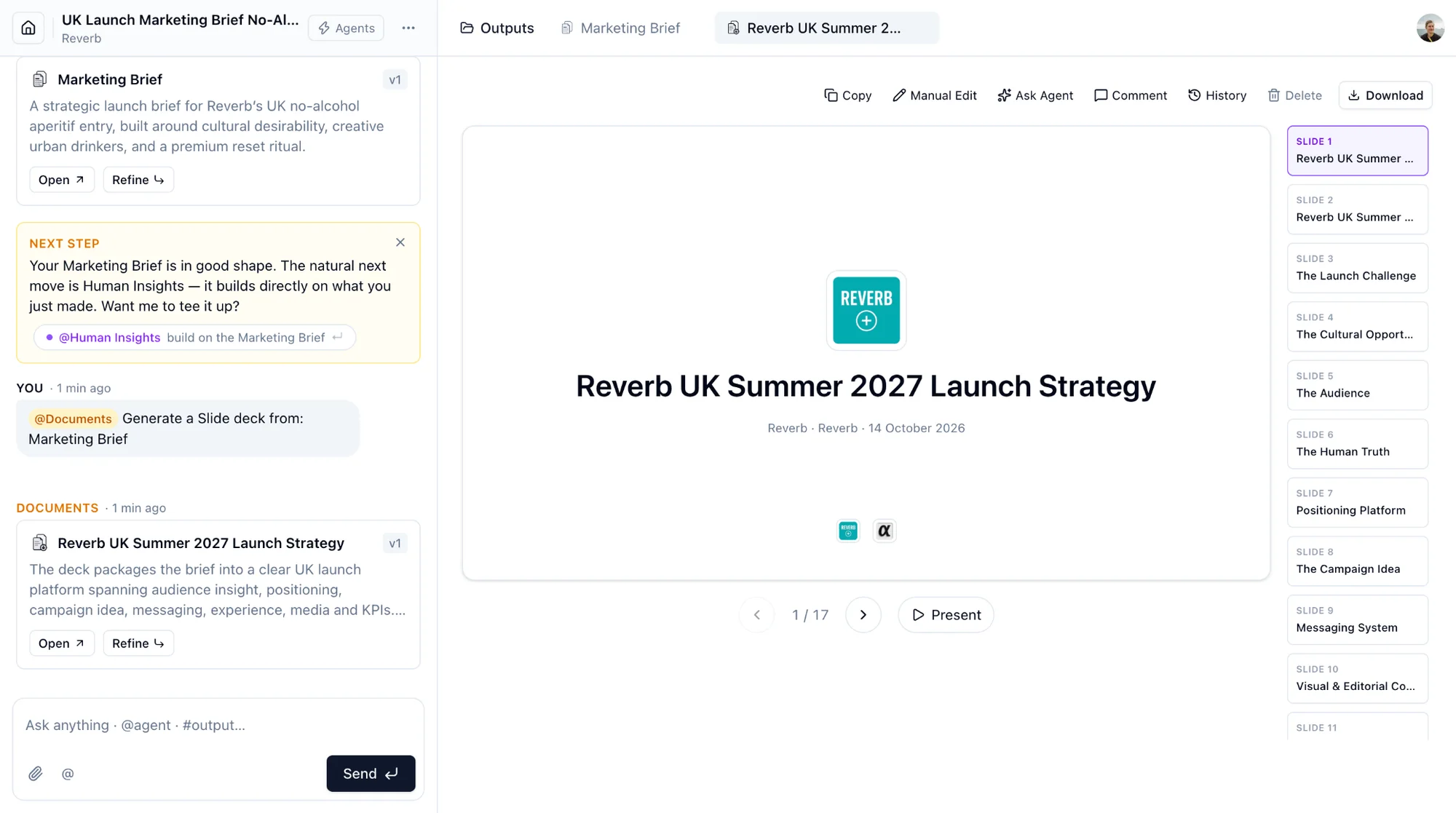
Any project can be turned into a file.
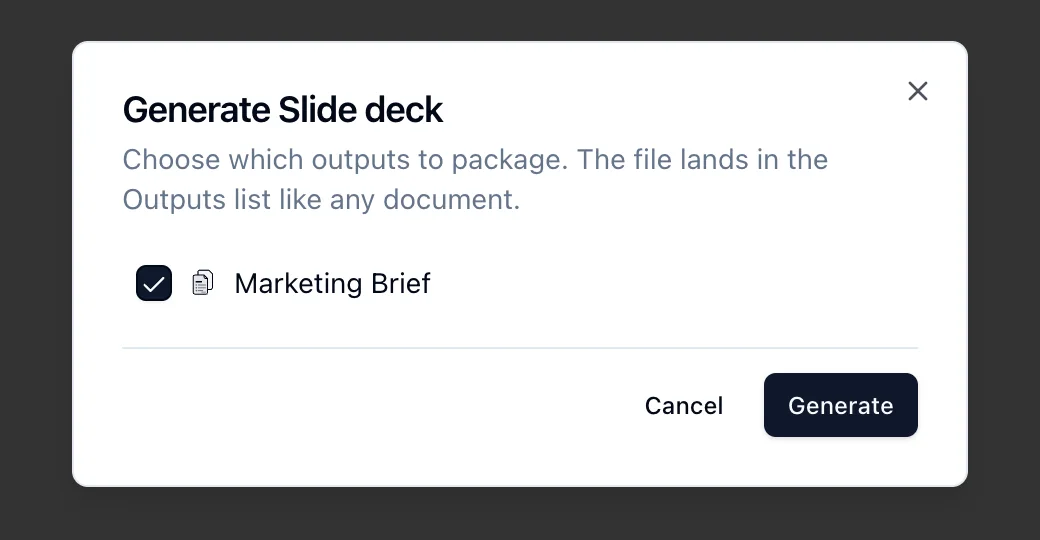
- In the Outputs panel, click Package as file and choose a shape: Slide deck, One-pager, Email summary, Canvas or Report.
- Untick the outputs you do not want included. Linked Consumer Insights threads count as sources too.
- Click Generate. The file lands in the Outputs list like any document, usually under a minute.
Or ask in the chat: "package the selected concepts as a slide deck", "write a one-pager on the Gate-0 dossier".
A packaged file opens with the same toolbar as a document. Slide decks also have Present for full screen. Download offers PowerPoint, PDF and Word; the shape's natural format comes first. The cover carries the brand, the workspace and the date.