
NPD Exploration, Creative Territories, Activation Idea, Targeting, Occasion, Human Insights, Cultural Truth and Trends Exploration produce a set of concepts rather than one document. The output opens with three views.
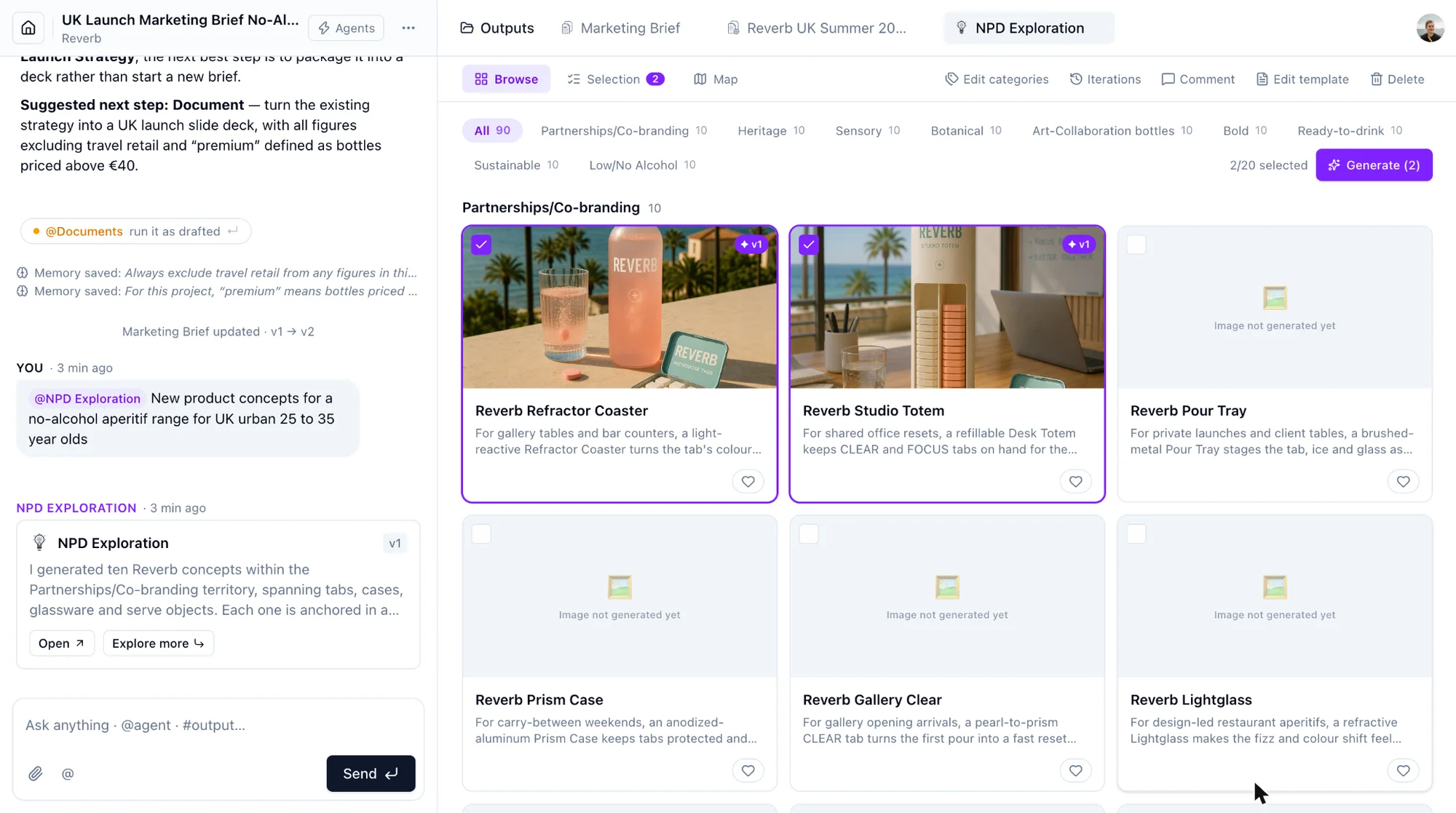
Browse. All concepts as cards, filterable by category. Tick the ones worth keeping. A selection holds up to 20 concepts. Generate produces an image and a long description for the selected concepts; the sheet estimates the time before you confirm.
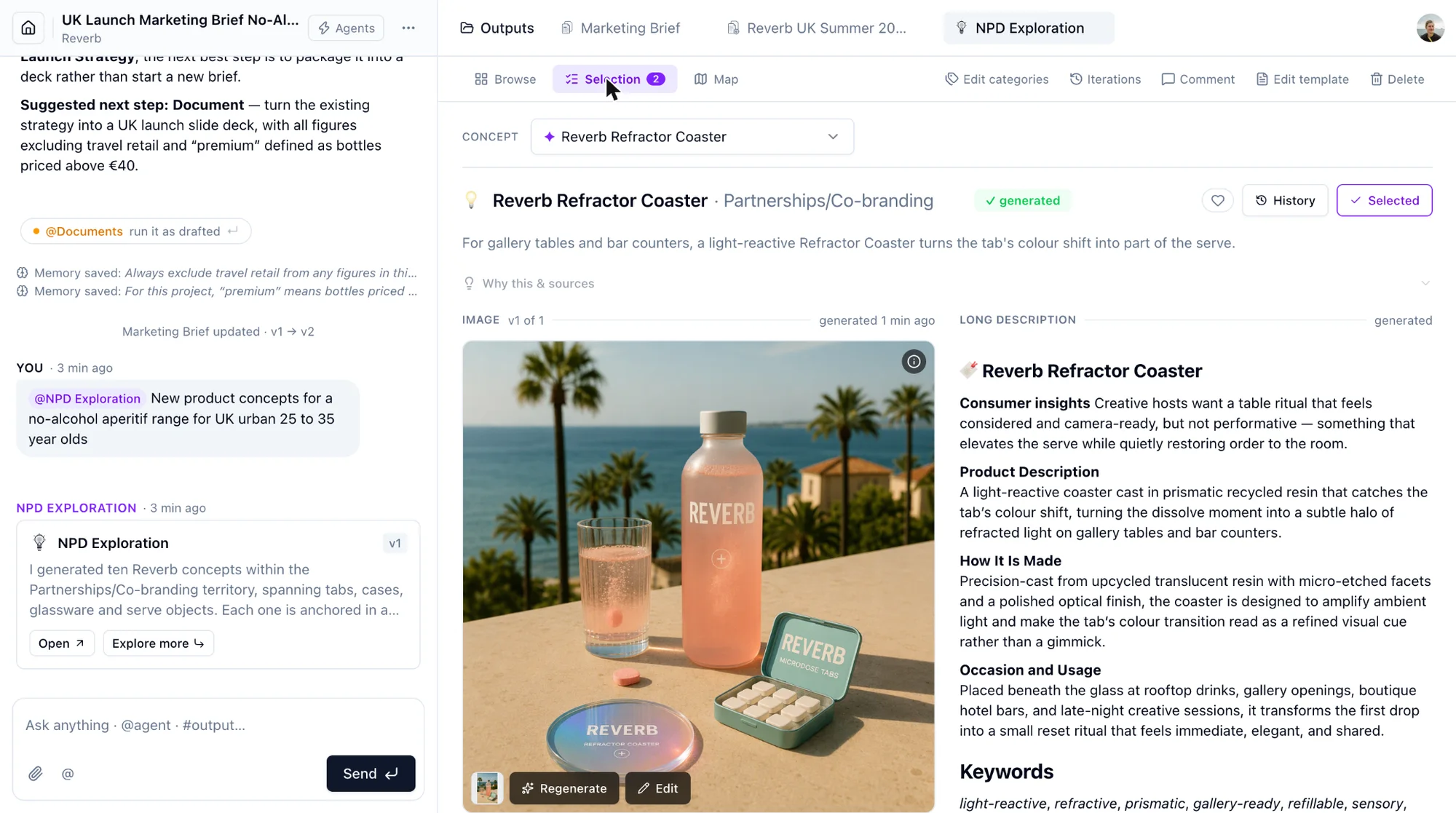
Selection. One concept at a time. Edit its title and short description. For the image: Regenerate, or Edit with an instruction such as "make the backdrop a sunset", then Save to keep the result as a new image version. For the long description: Regenerate, Edit with AI (review the proposed changes, then Save version) or Edit by hand. History shows every image and description version with Restore. NPD concepts can use a packaging reference image from the brand's art direction.
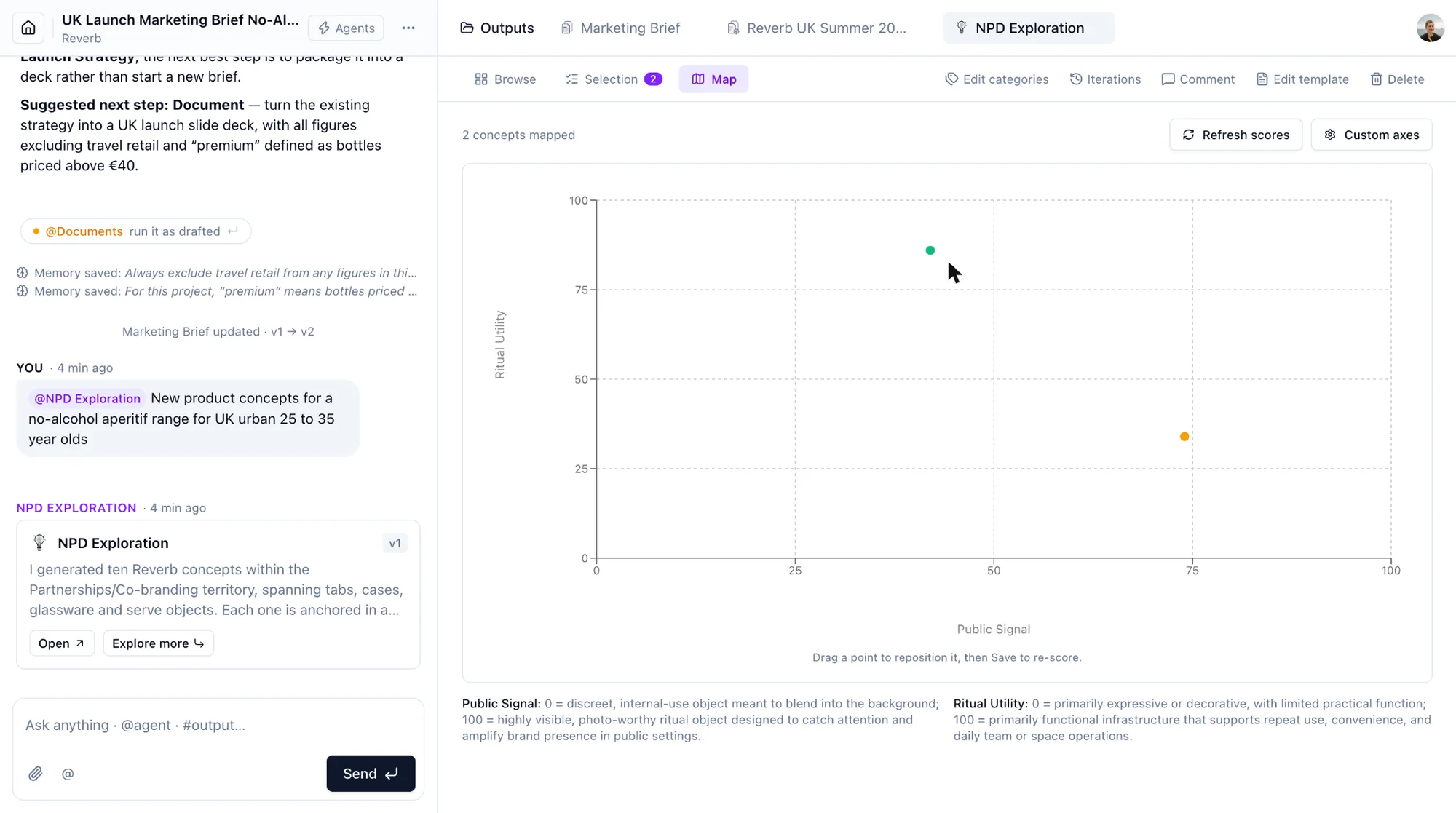
Map. Place at least two selected concepts on two axes. Custom axes lets you name the axes or ask the AI to suggest them. Drag points to reposition and Save positions to re-score.
Iterations. Calling the agent again on the same output creates a new iteration. Selected concepts are carried over; unselected ones leave the current set but stay in Iterations, where you can bring any of them back.
Like a concept with the heart to signal it to your team. The count shows who liked it.