
Marketing Brief, Creative Brief, Brief Formulation, Innovation Opportunity Platform, Marketing Semantic, Marketing Semiotic, Memo and Insights & Data Summary write one document into the Outputs panel. You watch it draft live.
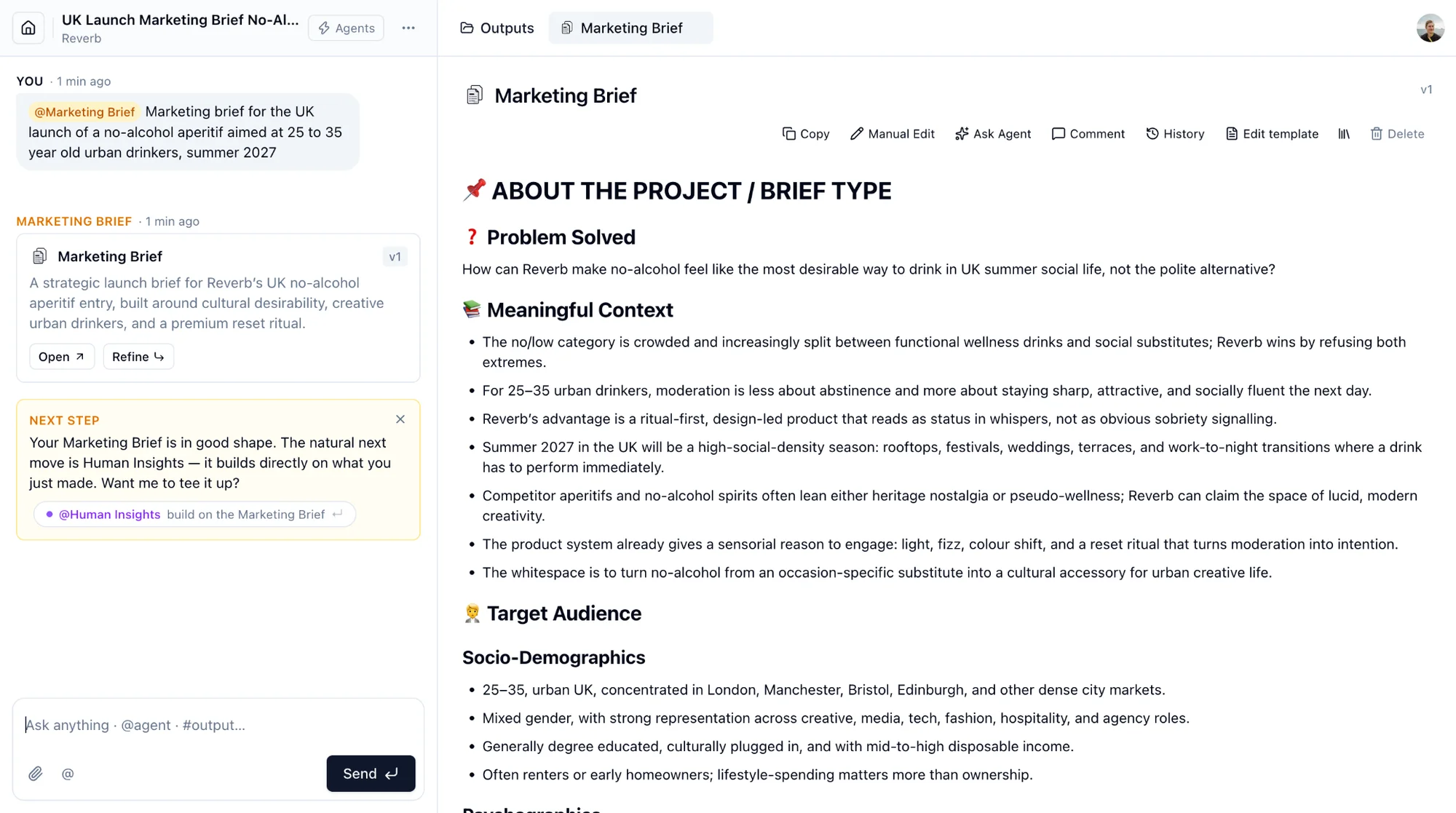
Every document carries the same toolbar.
- Copy copies the text with its formatting.
- Manual Edit opens an editor. Save Version keeps your changes as a new version.
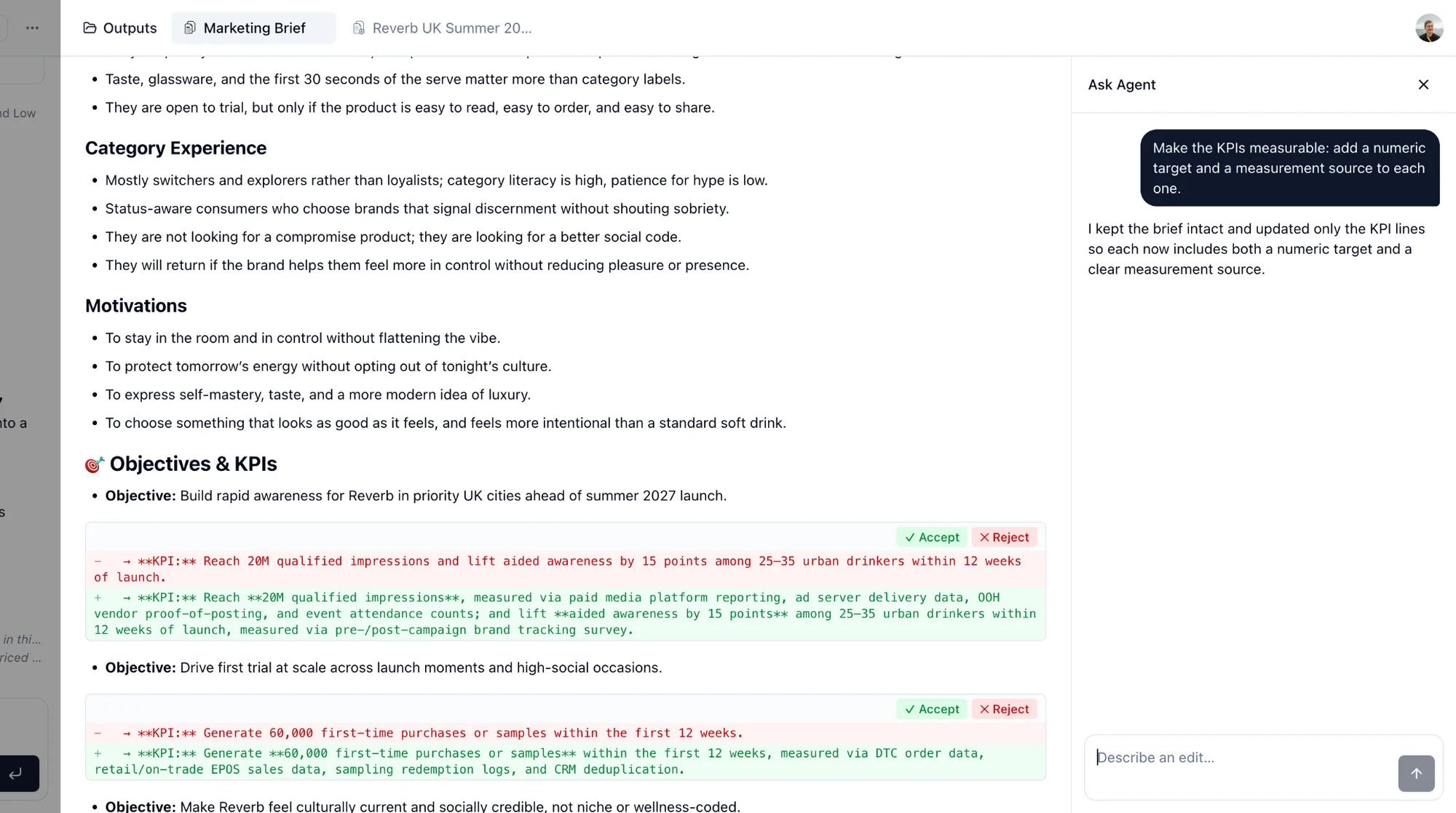
- Ask Agent describes a change in words: "make the KPIs measurable", "shorten the audience section". The agent proposes edits shown as a diff. Accept or reject each one, or Validate all, then Save Version.
- Comment adds notes for your team. Comments can be resolved.
- History lists every version with its origin: agent, manual edit, restore. Click one to read it. Restore copies it forward as a new version; nothing is ever overwritten.
- Why this & sources explains the reasoning and lists the documents and outputs the agent used.
- Edit template changes the brand's template for this type of document. It applies to every future document of that type for the brand.
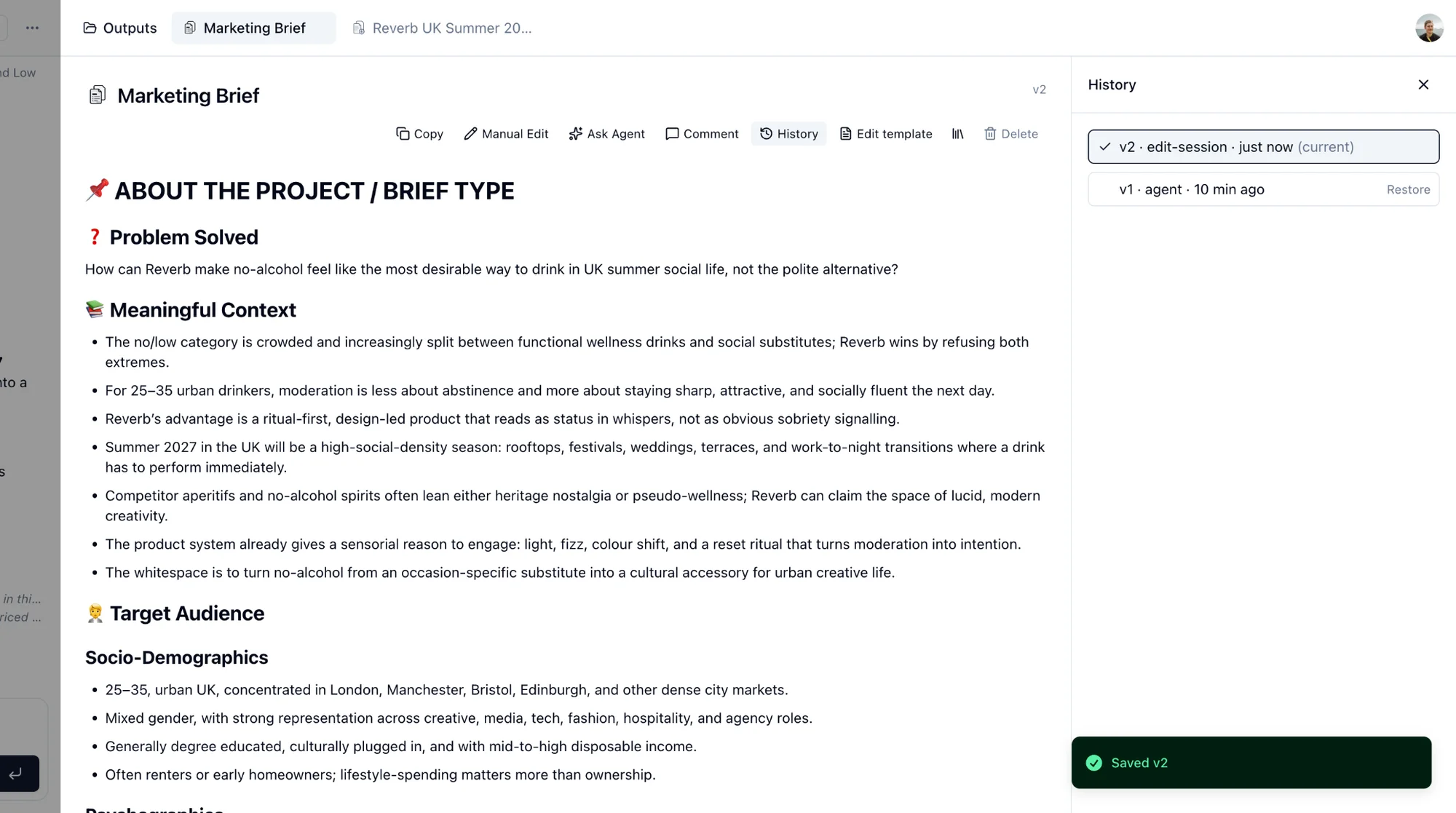
To change the brief itself rather than edit the text, call the agent again in the chat with a new brief, referencing the current output with #.
Business Case is different: a structured view with assumptions you adjust by asking @Business Case again in the chat.