
The assistant remembers durable facts you state in conversation: corrections, definitions and standing preferences such as "always exclude travel retail" or "our premium range means above 40 euros". No command is needed; saying it is enough. Each save shows as a Memory saved line in the chat.
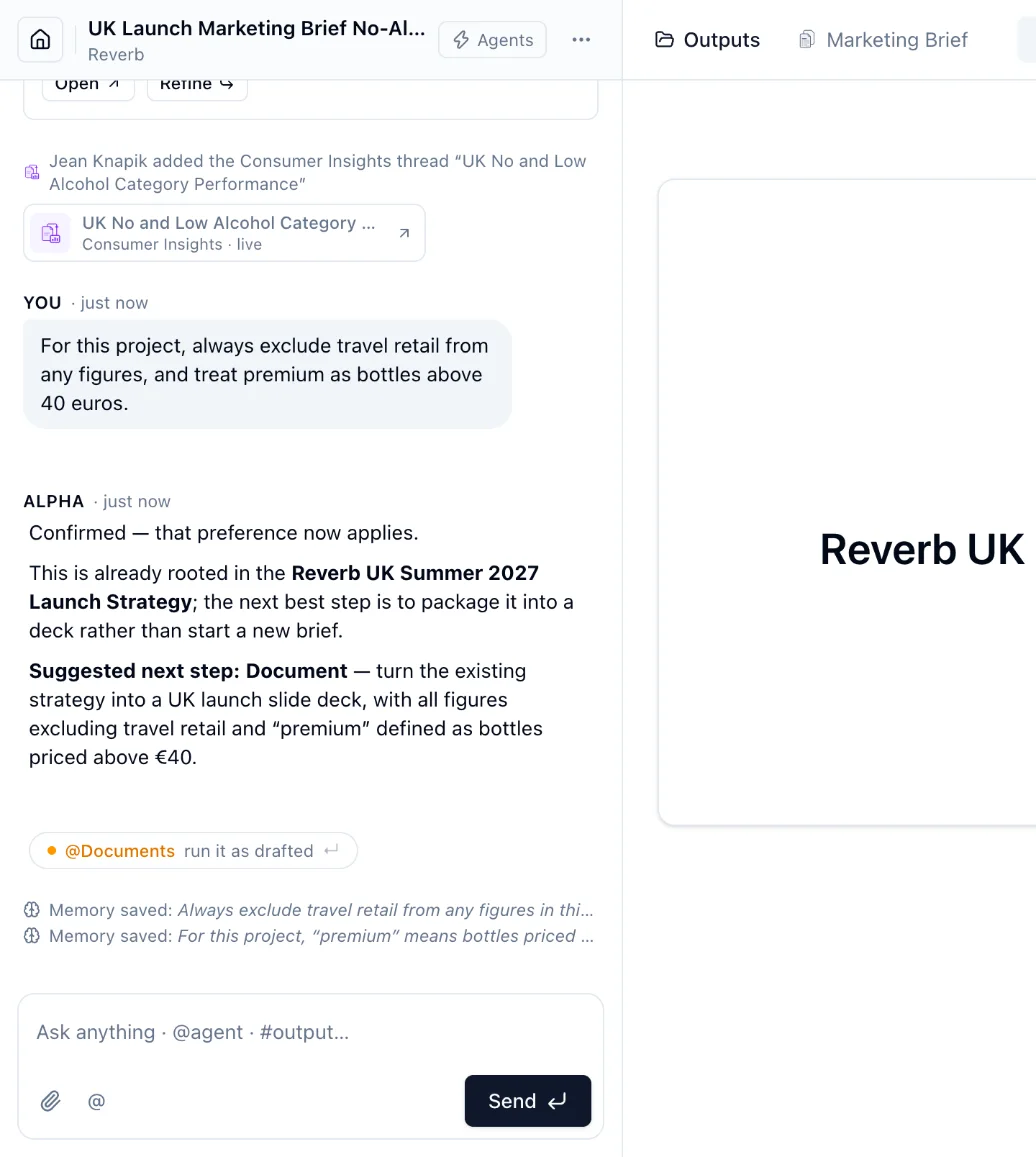
Memories apply to every later conversation in the project. Data answers list the ones they used under Assumptions.
Open ⋯ → Memory to see them, grouped as preferences, definitions, constraints and context. Any project member can edit or delete a memory.
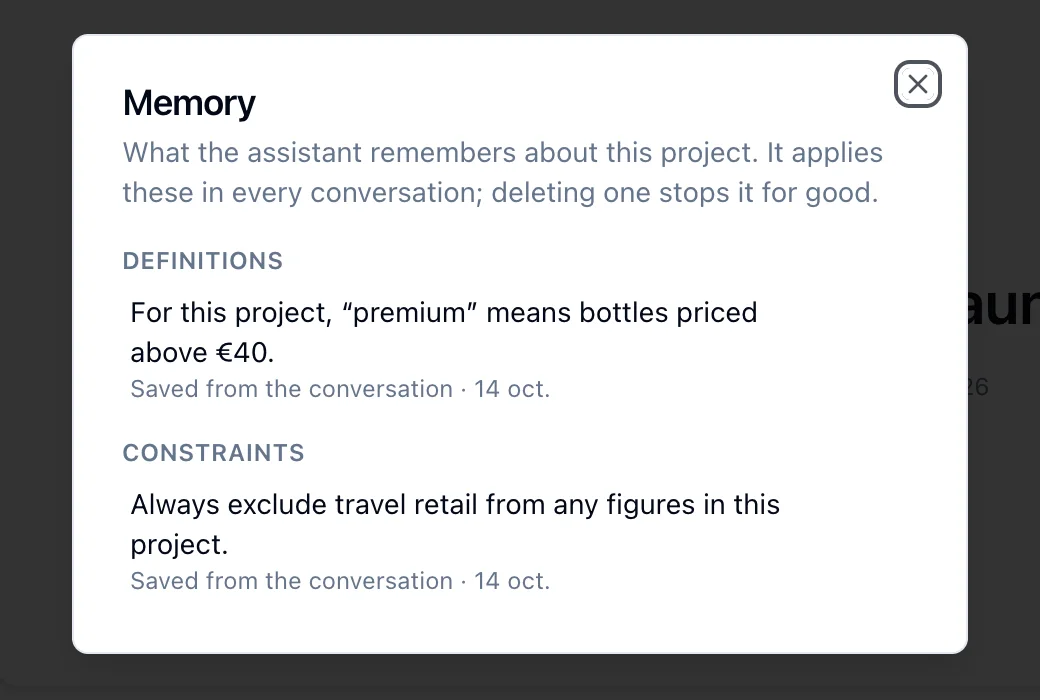
- A memory you edit is locked: the assistant never rewrites it.
- A memory you delete is gone for good: the assistant never saves it again.
- A project holds up to 30 memories of 280 characters each.
Memories are saved from conversations and from Data and Insights answers, not from document or exploration runs.