
Everything in the project's ⋯ menu.
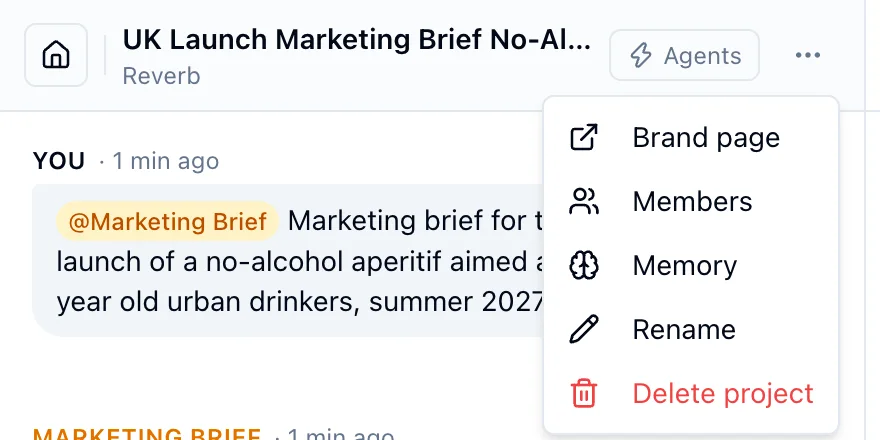
- Members lists who has access. The project owner and admins can add teammates, change a role between owner and member, and remove members. A project always keeps at least one owner.
- Rename changes the title. A title you set is never overwritten by the automatic one.
- Delete project removes the project with its conversation and outputs. This cannot be undone.
- Brand page opens the brand the project writes with.
Only the project owner or an admin can rename, delete or manage members.