
Agents write better with the right material in front of them. The paperclip in a project, or + on the Projects page, opens Add context with three options.
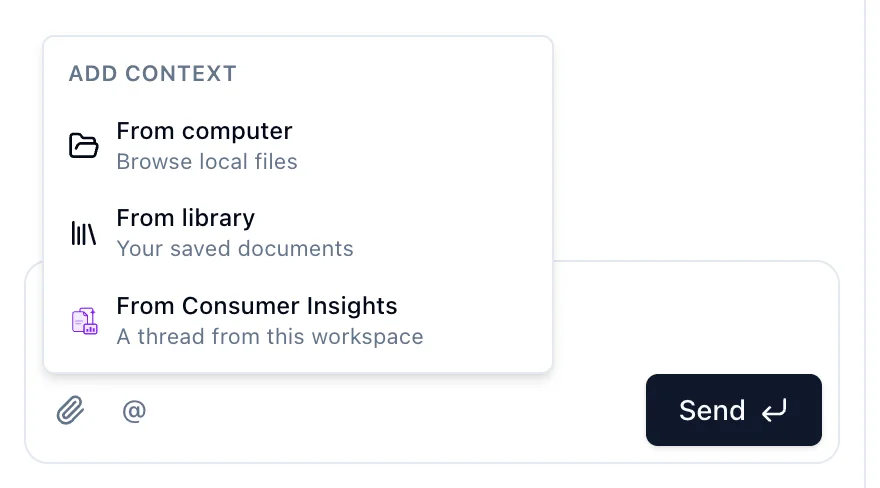
From computer. Word, PDF, text, Markdown and JSON files. Uploaded files are saved to the brand's Project files in the Library, so a brand must be selected first.
From library. Any document already in the workspace Library. Search, select several, click Add. The eye icon previews a file.
From Consumer Insights. A thread from this workspace. The project reads its latest answers on every turn. Up to 10 threads per project.
Attached items appear as chips above the composer until you send. Each sent message keeps its own attachments, which you can preview later.
Three agents read differently:
@Dataand@Insightstake no attachments or threads. They read your datasets and your Library.@Memoreads only the files you attach to that message, nothing else.