
Open Projects from the top bar. The composer under What are we working on? creates a project from your first message.
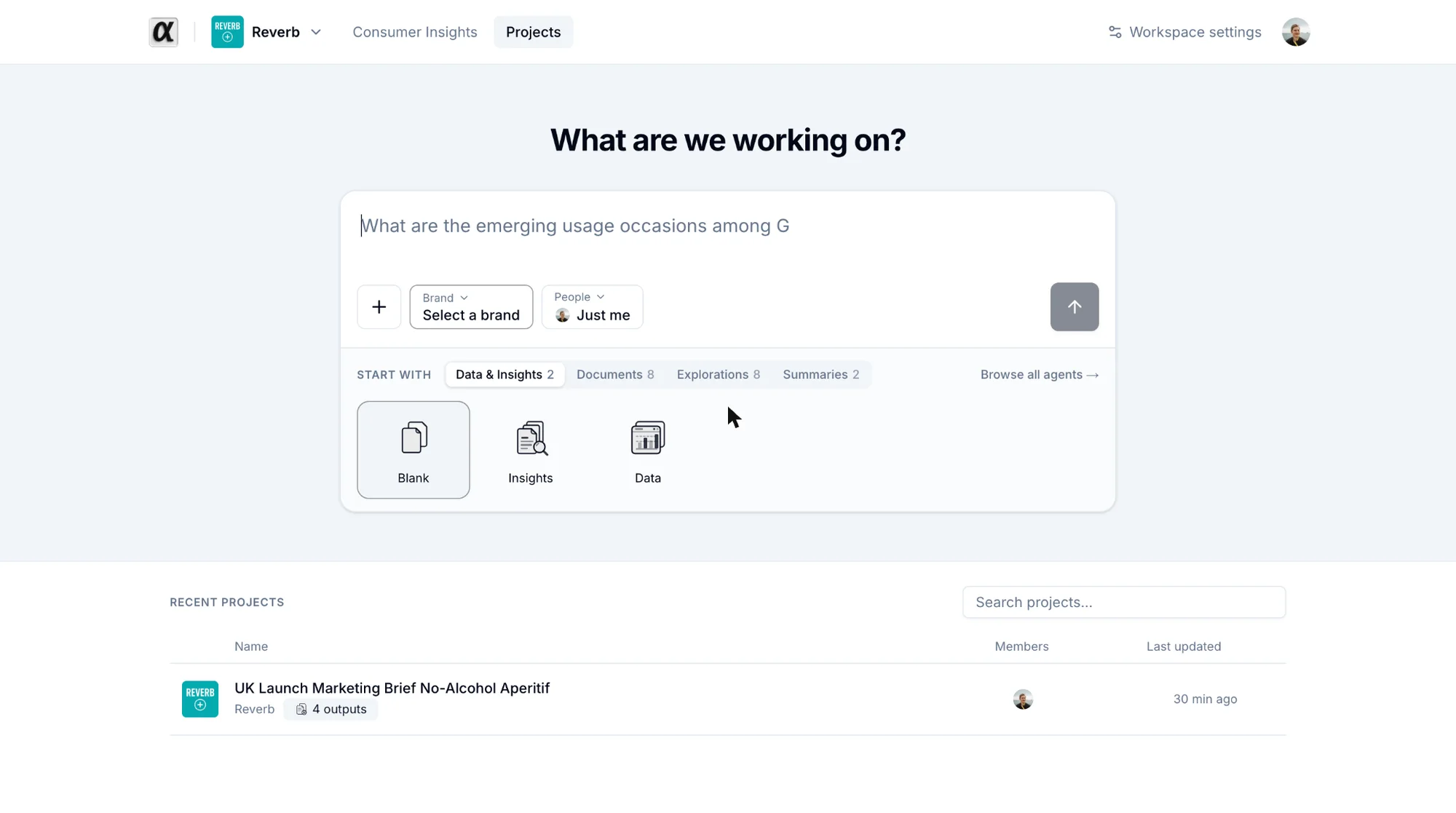
- Pick a brand. Required. The brand gives the agents their context. With one brand in the workspace it is preselected.
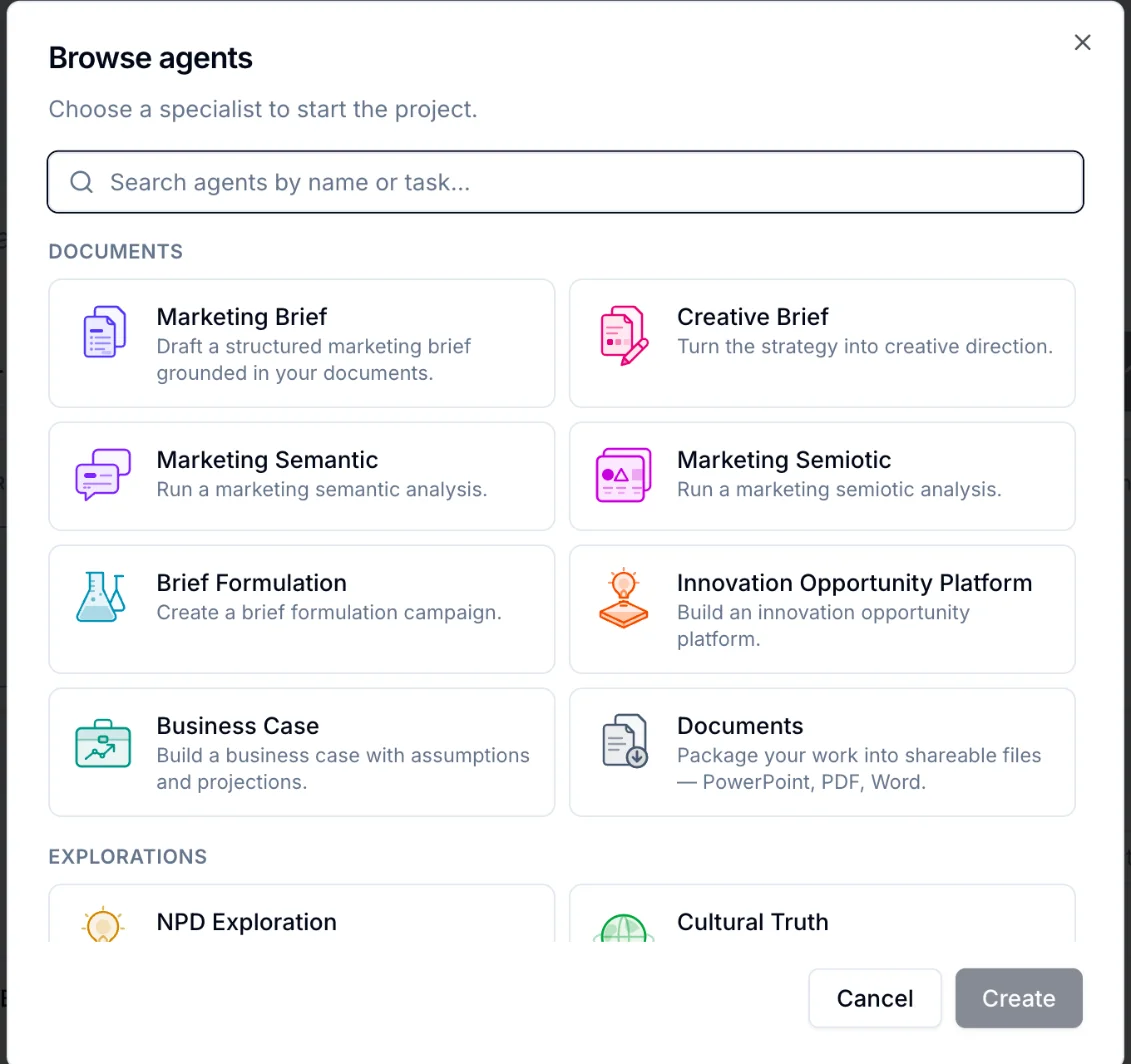
- Choose how to start. Under Start with, click an agent tile to call it directly, or keep Blank and describe what you need in plain words. Browse all agents opens the full catalog.
- Add people if you want teammates in the project. You can also add them later.
- Add context with the + button: a Consumer Insights thread, a library file or a file from your computer.
- Write your brief and press Enter.
The project opens with the first answer already streaming. It is named after your first message; rename it any time from the ⋯ menu.
A project belongs to its members. People outside it do not see it in Recent projects.