
Turn a thread into a file for people who are not in alphabrand.

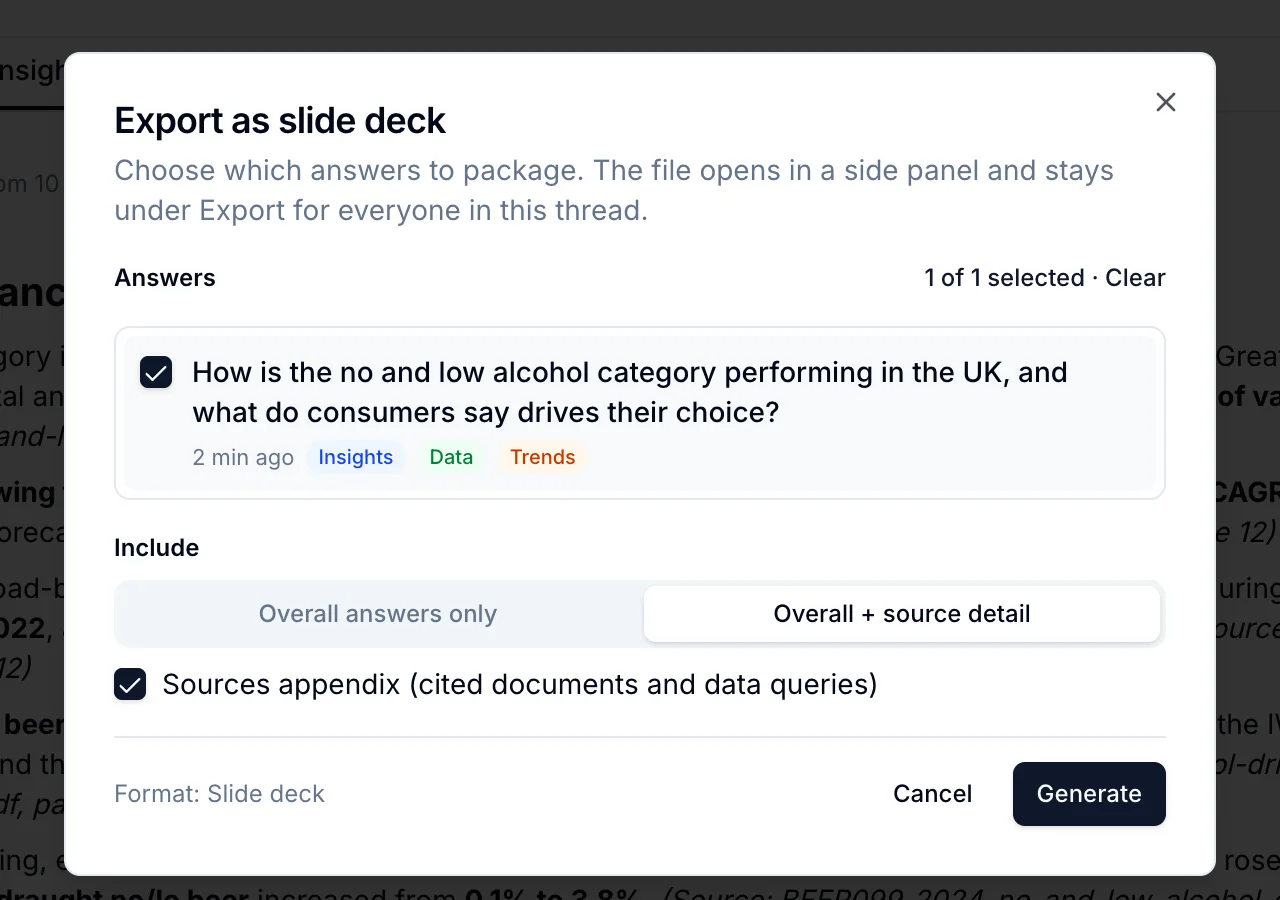
- Click Export in the thread header and choose a shape: Slide deck, One-pager, Email summary or Report.
- Pick the answers to include, and whether to include Overall answers only or Overall + source detail.
- Tick Sources appendix to append the cited documents and data queries.
- Click Generate. The file opens in a side panel, usually under a minute, and stays under Export → Previous exports for everyone in the thread.
Download it as PowerPoint, PDF or Word. An export is a snapshot: later answers are not added to it. Export again to refresh.